01Pick up where
Pick up where
you left off.
Follow your progress by season and episode. See what's next and mark it watched when you're done.
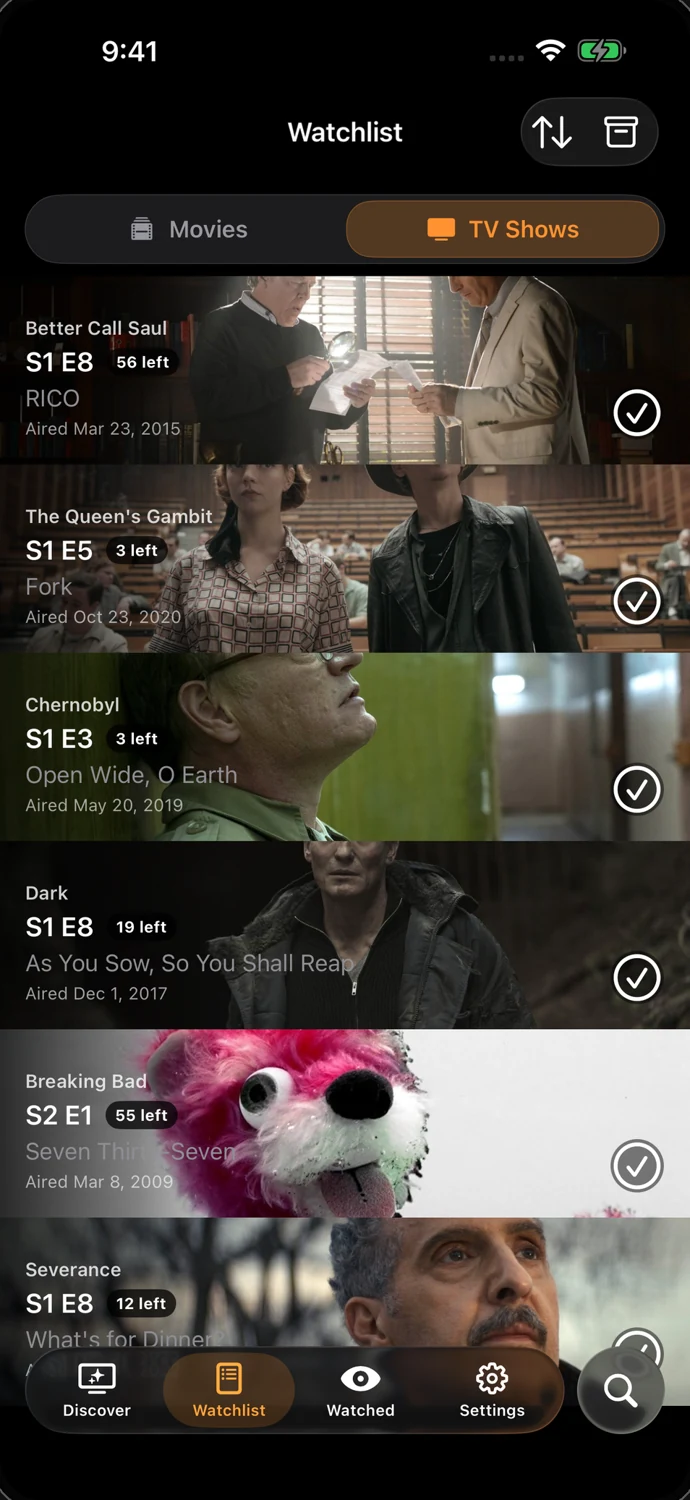
Your films. Your shows. Your place.
The next episode. The movie you've been meaning to watch. Your whole viewing story, together in TallyTV.
For iOS & Android · Free with optional TallyTV Pro
Take a closer look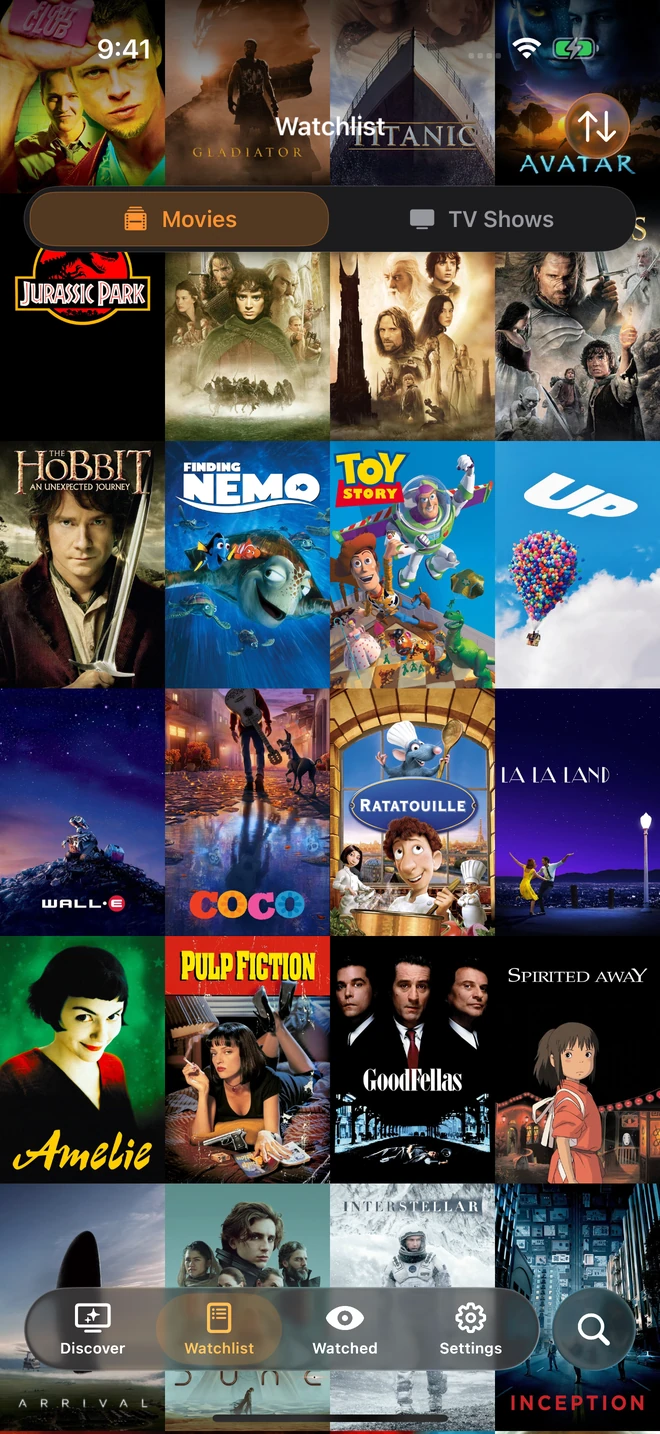
Already have a library?
Bring it along.
01 / The experience
A home for what you've watched,
and everything you want to watch next.
Follow your progress by season and episode. See what's next and mark it watched when you're done.
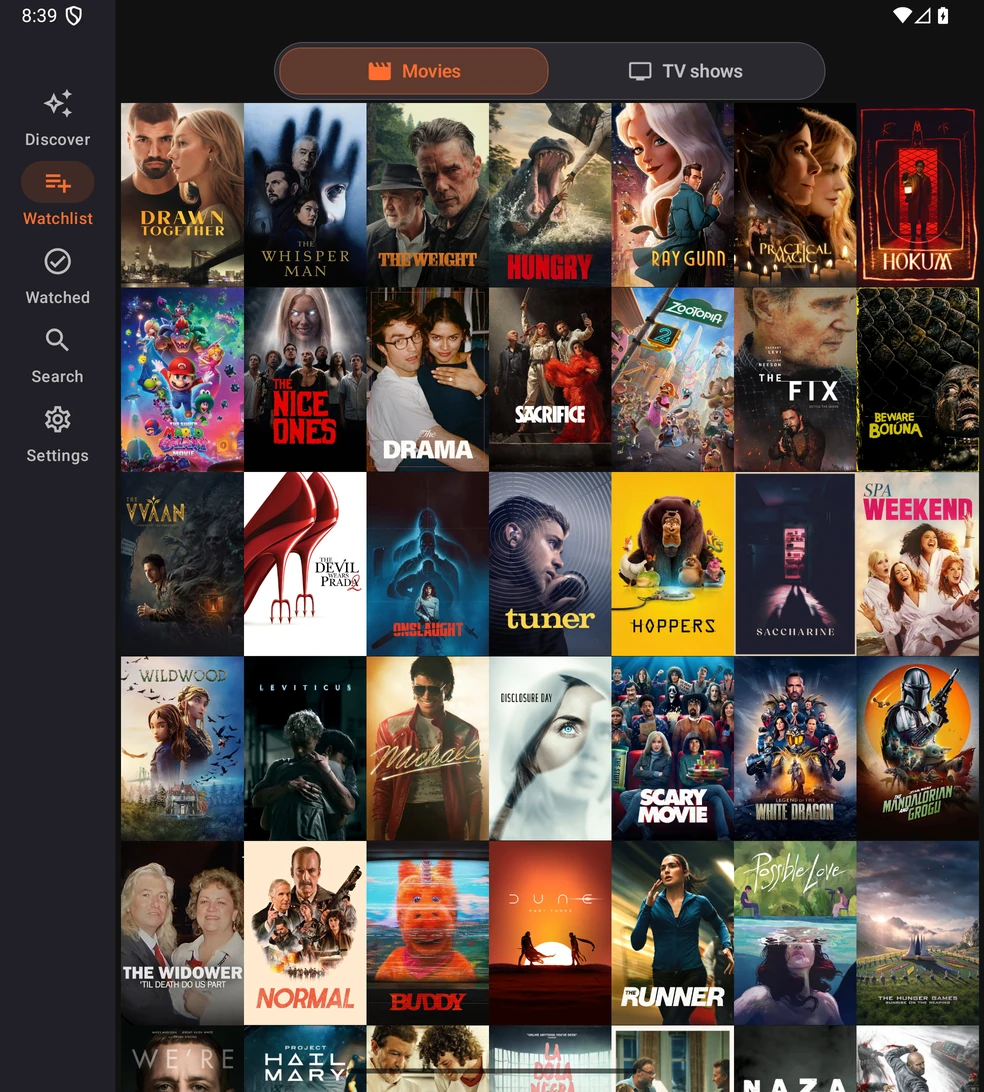
Keep movies and shows close at hand. Explore titles, cast, summaries and release dates, then save what catches your eye.
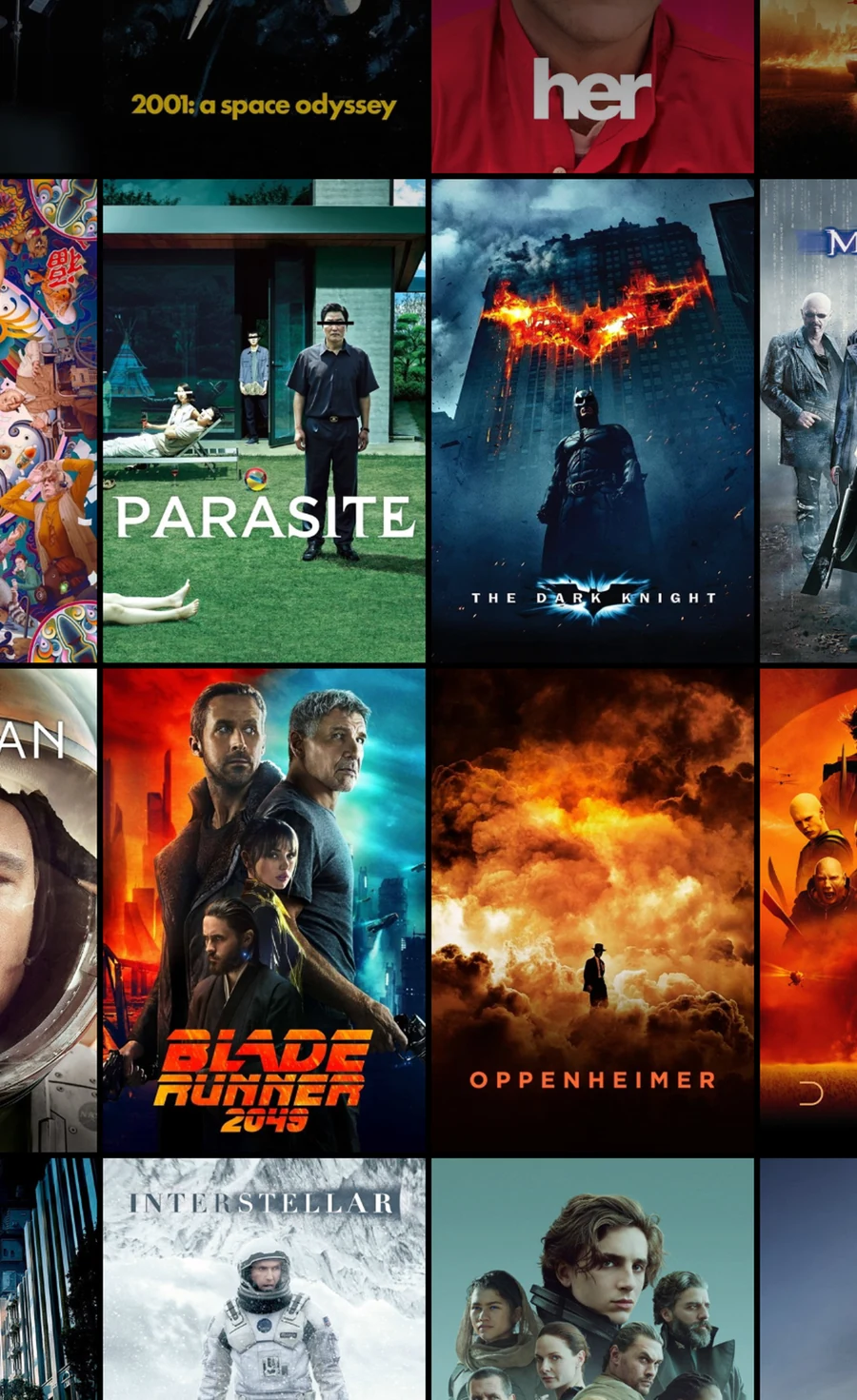
One idea. Two platforms.
See real TallyTV screens on iOS and Android.
02 / Connected, your way
Keep your favorite tools in the story.
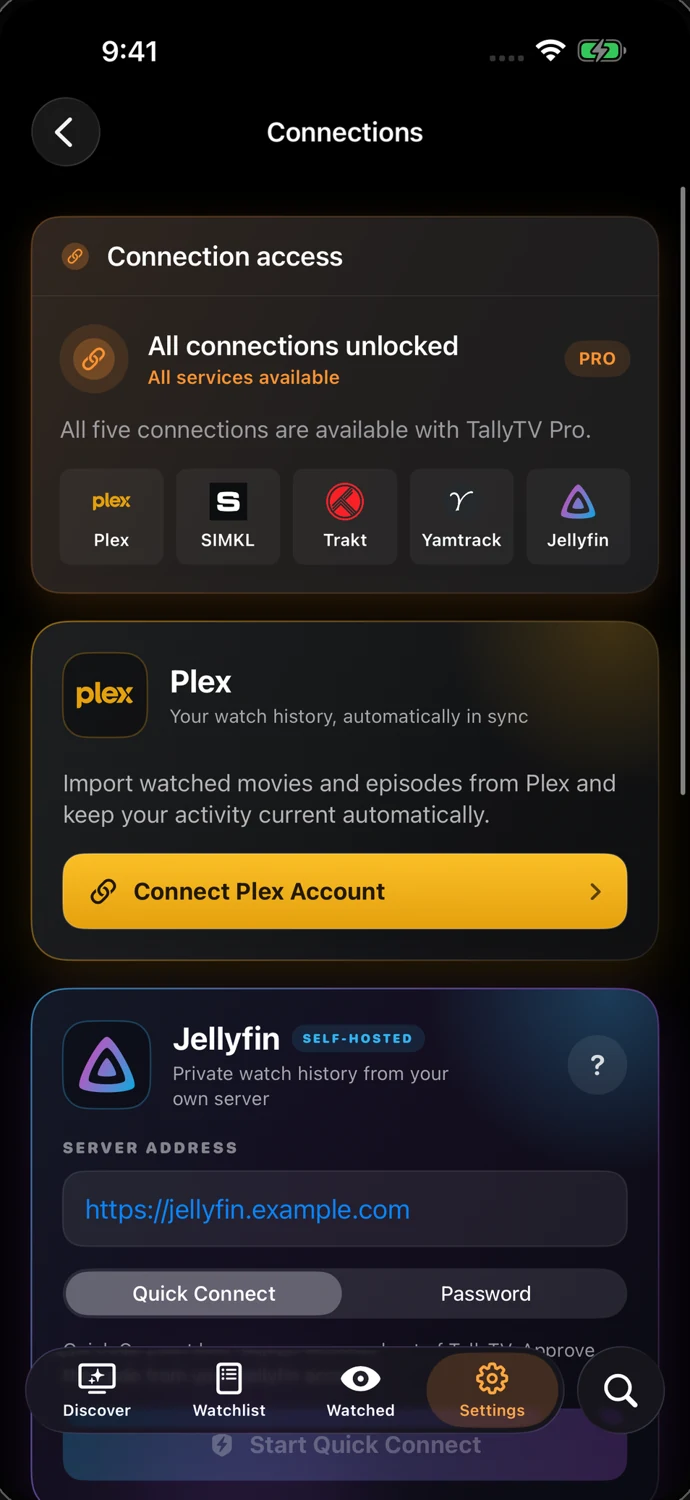
Each connection has its own role.
Sync your watchlist and viewing history with a supported tracker. Connect one tracker on the free plan, or all three together with Pro.
Connect for watch-history import and scrobbling. These work differently from tracker sync; available actions depend on your server and account settings.
Prefer to start fresh? Linking an external service is optional.
Optional / TallyTV Pro
Keep the focus on your collection with an ad-free experience, premium themes and app icons, and all three tracker connections together.
Explore Pro in the appTrakt, SIMKL and Yamtrack, together
Premium themes and app icons
An ad-free TallyTV experience
Monthly, yearly and lifetime options are shown in the app before purchase. Previous ad-removal purchases continue to be honored.
TallyTV is a tracking tool. It helps you organize movies, TV shows and viewing history, but does not provide streaming or playback services.
No. Linking an external tracker is optional. You can start building your viewing library in TallyTV and connect a supported service when you want to.
Trakt, SIMKL and Yamtrack support tracker sync. Plex and Jellyfin support watch-history import and scrobbling. Media-server connections work differently from tracker sync, and available actions depend on your server and account settings.
Pro removes ads, unlocks premium themes and app icons, and lets you connect Trakt, SIMKL and Yamtrack together. Purchase options and terms are shown in the app. Previous ad-removal purchases continue to be honored.
The TallyTV privacy policy explains device storage, connected services, advertising, analytics and purchases, including differences between platforms.
Your next watch starts here
Bring your films, shows and next episodes together.
Available for iOS and Android